Frequently Asked Questions
General questions
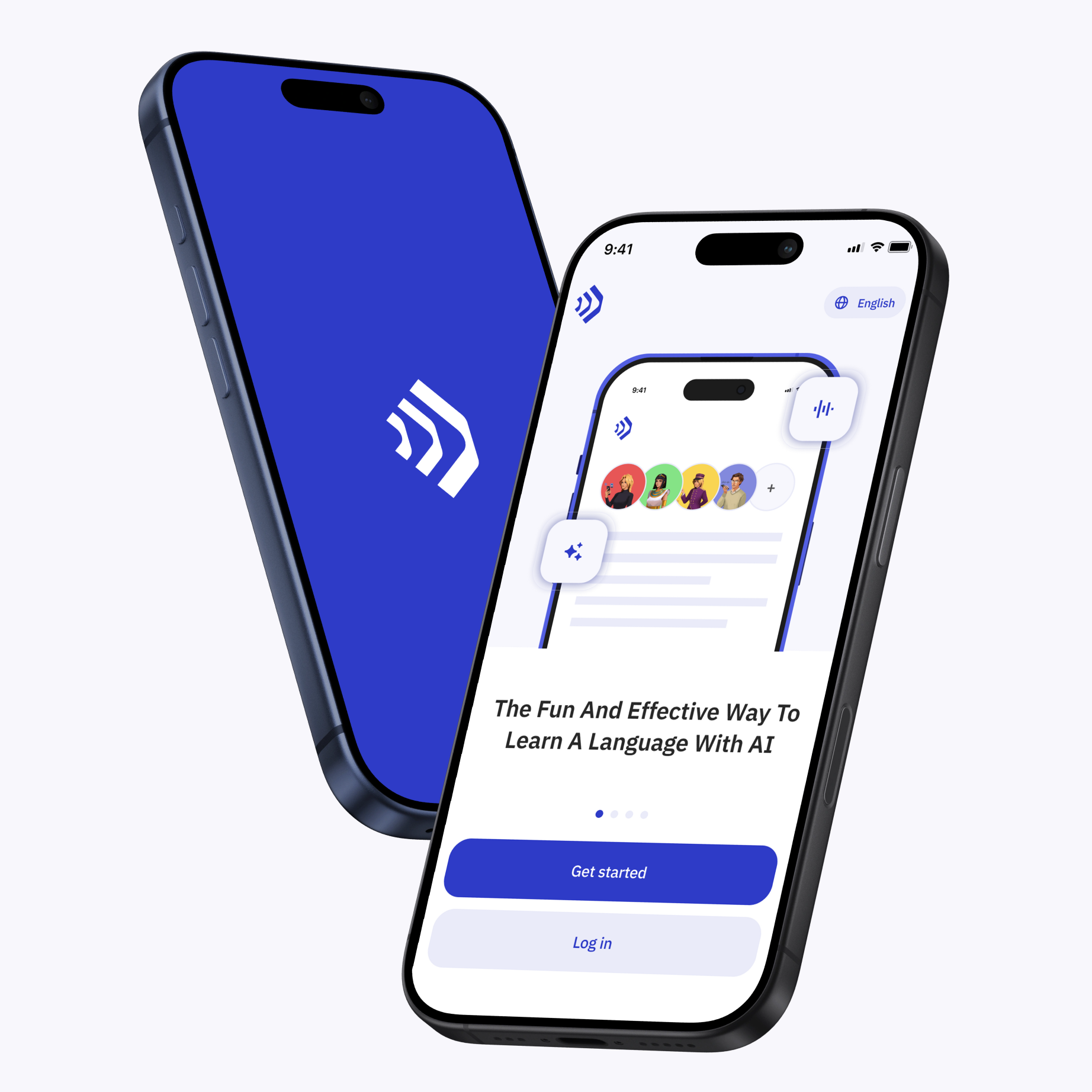
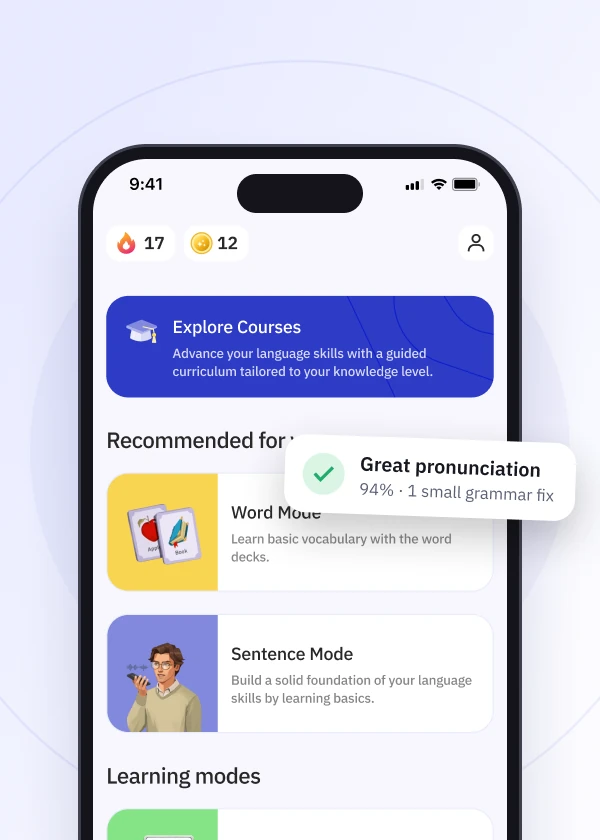
Talkpal is an AI language learning app built around real conversation. Practice speaking and writing in 130+ languages through various modes, with instant feedback on pronunciation, grammar and fluency. Available on web, iOS and Android.
Read more
Talkpal is an AI-powered language tutor. Users can chat about an unlimited amount of interesting topics either by writing or speaking while receiving messages with a realistic voice.
he engaging experiences like Chat, Roleplays, Characters, Debates, Word Mode, Call Mode, Sentence Mode, Dialogue Mode and Photo Mode enable users to practice over 130 languages.
Read more
Talkpal is available in more than 130 languages to ensure a highly accessible and globally inclusive language-learning experience. Learners can choose from over 130 different languages and regional dialects, enabling broad communication practice.
Read more
Talkpal AI is available on both iOS (App Store) and Android (Play Store) platforms, as well as on the Web (Desktop or mobile web browser).
Read more
Talkpal AI uses advanced speech recognition technology to understand and process your spoken language.
Talkpal uses both, speech-to-text and text-to-speech technologies to provide the best-in-class language learning experiences.
Read more
Currently, Talkpal cannot be used offline, as the advanced AI requires an internet connection.
However, you can download iOS (App Store) or Android (Play Store) apps on your device.
Yes, Talkpal offers tailored solutions for educational settings, allowing institutions to purchase bulk subscriptions and integrate advanced AI learning into their curricula. Unlike traditional apps, Talkpal provides students with an active, immersive learning experience that imitates real-life scenarios while giving educators an easy-to-manage admin dashboard.
Read more
Yes, Talkpal AI can be used for professional learning through "Talkpal for Business." It is a dedicated, AI-powered language tutoring platform designed to help organizations seamlessly improve their employees' language proficiency and daily business communication skills.
Read more
Yes, Talkpal offers specialized Professional Courses designed to help you master the exact vocabulary, sentences, and real-world scenarios relevant to your career. We currently offer step-by-step courses for Business, Medicine, Law, Engineering, Tech, Hospitality, Retail, Customer Support, Logistics, and Sales, guiding you to the industry fluency.
Read more
Yes, Talkpal AI offers personalized learning paths. The app adapts to your progress and language goals to enhance your learning experience.
Read more
For any issues, you can reach out to our support team via the app or directly at support@talkpal.ai.
Read more
Using Talkpal
To start a conversation, simply open the app, select the language you want to practice, and choose a topic for the conversation. You can try out any of our modes, including Chat, Call Mode, Roleplays, Characters, Debates, or other language learning experiences.
Read more
Talkpal AI requires an internet connection and cannot be used offline.
However, you can download iOS (App Store) or Android (Play Store) apps on your device.
Talkpal offers various language learning modes, including: Chat, Sentence Mode, Call Mode, Roleplays, Characters, Debates, and Photo Mode.
Read more
To change the language settings in Talkpal AI, navigate to your profile settings and select the desired language option.
Read more
You can adjust the voice speed in any mode settings that use audio under the “voice speed” option.
Read more
Yes, you can switch languages any time by navigating to the mode settings and selecting a different language.
Read more
Talkpal AI offers advanced progress tracking through levels, and learning statistics, allowing you to see your growth over time.
Read more
Yes, Talkpal automatically saves your learning sessions, allowing you to review, manage, or delete your conversation history directly from the chat settings menu. You can easily pick up right where you left off, pin important chats to the top of your list, and maintain multiple ongoing conversations across different languages and modes.
Read more
Account
To create an account, simply download the Talkpal app from the App Store or Google Play Store, or visit our website and click "Get Started." From there, you can sign up using your email, Google, Apple, or Facebook account, select your target language, set your learning goals, and choose between our Free or Premium plans to start practicing.
Read more
Verifying your email address with Talkpal is an essential step to ensure that your account is secure, active, and ready for use. While signing up via social authentication verifies your account automatically, standard email registrations simply require clicking the "Confirm Email" link sent to your inbox.
Read more
To reset your password, go to the login page, click on “Forgot password,” and follow the instructions sent to your email.
Read more
To provide feedback or report a problem, use in-app flagging feature or contact the support team directly at support@talkpal.ai
Read more
To delete your account with Talkpal AI, simply go to your Profile on the web or mobile app and select the “Delete Account” option. Because this action permanently erases your learning progress and does not automatically cancel active billing, please review our step-by-step instructions and important notes before proceeding.
Read more
You can easily change the email address linked to your Talkpal account directly from your Profile on both the web and mobile app. As long as your new email address isn't already connected to another active account, you can update and verify your new details in just a few simple steps.
Read more
Yes, you can use your Talkpal AI account on multiple devices by logging in with the same account credentials.
Your account, progress, chat history, and data will be automatically synchronized between all devices. With Talkpal, you can learn anywhere, anytime across iOS (App Store), Android (Play Store), and Web.
Read more
Subscription
Talkpal AI offers both free and premium subscription plans; the free plan includes basic features with limited daily use, while the premium plan provides unlimited access to all features, modes, and languages.
Read more
Talkpal AI offers flexible Premium subscription plans designed to fit any learning timeline and budget, including 1-month, 3-month, 12-month, and web-exclusive 24-month options. Whether you want short-term flexibility or maximum long-term value, all Premium plans unlock unlimited practice, personalized feedback, and full access to our advanced learning modes.
Read more
Talkpal Premium offers flexible billing frequencies depending on the plan you choose, including monthly, quarterly (3-month), annual (12-month), and 24-month (web-exclusive) options. Please note that while the 1-month plan is billed on a month-to-month basis, the 3, 12, and 24-month plans are billed as a single upfront payment for the full duration.
Read more
To subscribe to Talkpal AI Premium, simply log in on our website or mobile app, navigate to your Profile's "Subscriptions" section (or click on an available offer), and select your preferred plan. Once you complete the checkout via our web payment system, the Apple App Store, or the Google Play Store, your account will be upgraded immediately to unlock unlimited practice and all Premium features.
Read more
Talkpal Premium gives you unlimited, ad-free access to every learning tool so you can practice at your own pace with no daily time caps. Your subscription unlocks a personalized learning path, structured Courses, interactive modes, custom AI tutors, and natural-sounding advanced AI voices.
Read more
Depending on the platform you are using, you can purchase the subscription via Visa, Mastercard, American Express, Discover, Bank Account, Apple Pay, and Google Pay.
Read more
You can cancel your subscription at any time directly from your Talkpal Profile on the web, or through your device's Apple App Store or Google Play Store settings if you subscribed via mobile. Be sure to cancel before your next renewal date (at least 24 hours prior for Apple users), and you will continue to enjoy full Premium access until the end of your current billing cycle.
Read more
Yes, your subscription will remain active until the end of the subscription period.
Read more
Before deleting your account, please note that mobile subscriptions (App Store and Google Play) are not canceled automatically when an account is deleted; you must manually cancel them in your device's settings to prevent future charges. Web subscriptions, on the other hand, will be canceled automatically upon account deletion.
Read more
Yes, if you subscribed via our website or the Google Play Store, you can easily pause your subscription for 1, 2, or 3 months directly from your Account's "Subscriptions" section. This temporarily halts your payments while keeping all of your learning progress safely stored until you are ready to resume.
Read more
Yes, Talkpal AI offers a 14-day free trial for new users to explore the features and benefits of the premium membership.
Read more
At this time, Talkpal AI offers individual subscription plans only. However, if you would like to purchase subscriptions in bulk, contact us at business@talkpal.ai
Technical issues
Ensure that your microphone permissions are enabled for Talkpal AI in your device settings. You can find instructions here.
If the issue persists, please contact the support team via the app or directly at support@talkpal.ai.
Read more
Talkpal uses advanced speech-to-text technology, which can occasionally be affected by background noise, microphone quality, speaking volume, or pronunciation similarities between languages. To improve voice recognition accuracy, try practicing in a quiet environment, speaking clearly at a consistent volume, and ensuring your device’s microphone is unobstructed.
Read more
If you encounter issues with a specific feature, try restarting the app or reinstalling it.
If the problem persists, contact support at support@talkpal.ai
Check your device settings to ensure notifications are enabled for Talkpal AI. If the issue persists, try restarting your device.
Read more
Check if your device’s volume is turned up and if the app has permission to use your device’s microphone and speaker.
If the issue persists, try restarting the app or checking your device’s audio settings.
For further assistance, please contact support@talkpal.ai
If Talkpal AI keeps crashing, it may be due to insufficient memory or an outdated app version. Try closing other apps running in the background, restarting your device, or reinstalling Talkpal AI.
If the problem persists, contact support at support@talkpal.ai
Double-check that you are using the correct email and password. If you’ve forgotten your password, use the “Forgot Password” option to reset it.
Ensure that your internet connection is stable. If you are unable to reset your password, contact support at support@talkpal.ai
Check your spam or junk folder to see if the verification email was sent there.
If you still haven’t received it, try resending the email or contact support at support@talkpal.ai for assistance. You can also use social authorization to log in and verify your account.
Read more
Ensure you have enough storage space on your device and that your app store settings are set to allow updates.
You can also try manually updating the app from the App Store or Play Store.
Read more
Get in touch with us
We are always here if you have any questions or require assistance. Contact our customer support anytime at support@talkpal.ai
Languages
Learning
Partnerships
Company