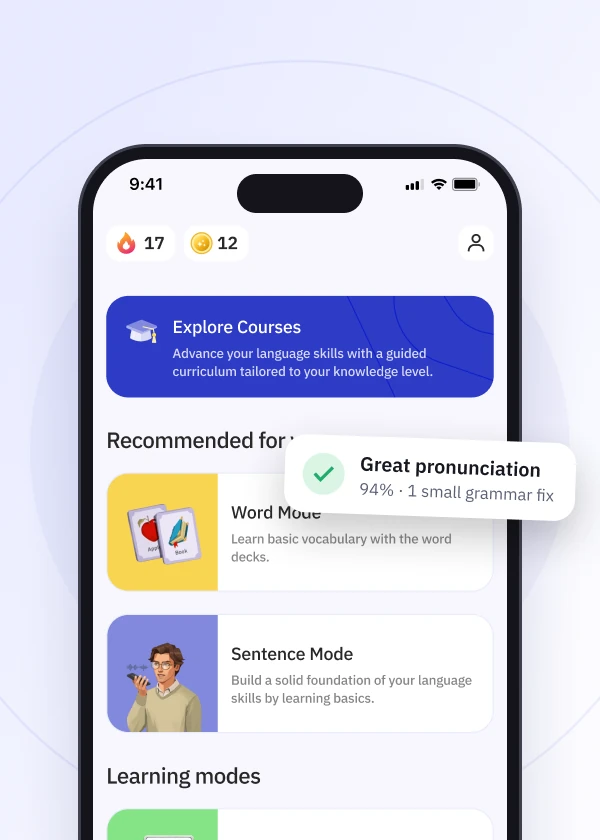
You can switch languages at any time by navigating to the settings and selecting a different language.
Here is a step-by-step guide on how to do this:
Once you have saved your changes, the new settings will apply to your active session.
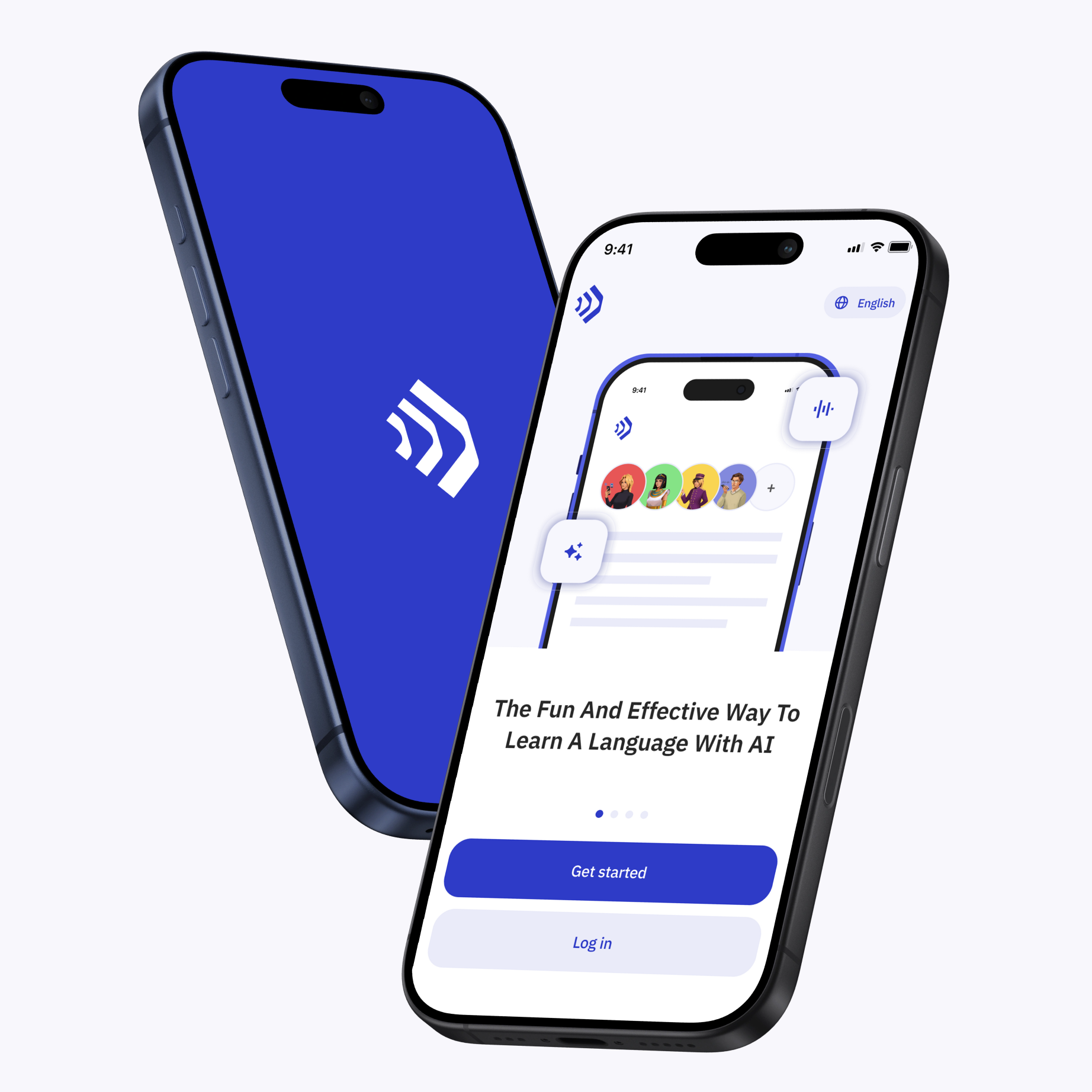
Talkpal is an AI-powered language tutor available on web and mobile platforms. Accelerate your language fluency, chat about interesting topics by writing or speaking, and receive realistic voice messages wherever and whenever you want.


Talkpal, Inc., 2810 N Church St, PMB 54222, Wilmington, Delaware 19802, US
Talkpal turns AI into your personal language coach.
 Immersive, realistic conversations
Instant feedback on pronunciation and grammar
Personalized learning
 130+ languages ·
★ 4.7
rating