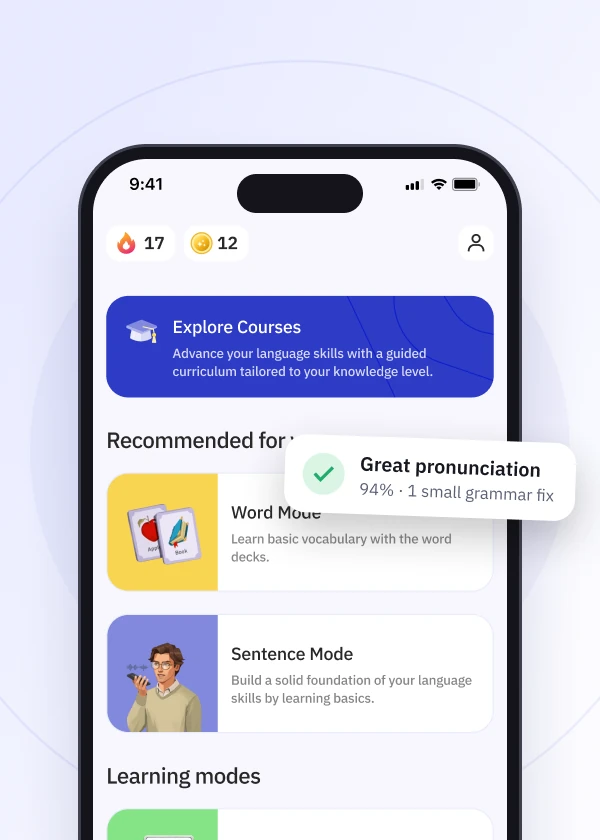
Ensure you have enough storage space on your device and that your app store settings are set to allow updates. You can also try manually updating the app from the App Store or Play Store.
If you’re having trouble with the Talkpal app not updating, please follow these steps:
By following these steps, you should be able to resolve any update issues with the app. If the problem persists, please reach out to Talkpal support via the app or directly at support@talkpal.ai for assistance.
Talkpal is an AI-powered language tutor available on web and mobile platforms. Accelerate your language fluency, chat about interesting topics by writing or speaking, and receive realistic voice messages wherever and whenever you want.


Talkpal, Inc., 2810 N Church St, PMB 54222, Wilmington, Delaware 19802, US
 English
 Deutsch
 Français
 Español
 Italiano
 Português
 Nederlands
 Suomi
 Svenska
 Čeština
 日本語
 中文 (简体)
 हिंदी
 한국어
 Українська
 Polski
 عربي
 Հայերեն
 Azərbaycanca
 Български
 Hrvatski
 Dansk
 Eesti keel
 Ελληνικά
 עִברִית
 Magyar
 Latviski
 Lietuvių
 Norsk
 Türkçe
 Bosanski
 中文 (繁體)
 Galician
 Íslenskur
 Bahasa Indonesia
 Македонски
 Bahasa Melayu
 नेपाली
 فارسی
 Português
 Română
 Русский
 Srpski
 Slovenčina
 Slovenščina
 தமிழ்
 ภาษาไทย
 Shqip
 Gaeilge
 سۆرانی
 Монгол хэл
 Tiếng Việt
 Cymraeg
 O‘zbekcha
 বাংলা
 Malti
 اردو
 Af-Soomaali
 ਪੰਜਾਬੀ
 ქართული
Talkpal turns AI into your personal language coach.
 Immersive, realistic conversations
Instant feedback on pronunciation and grammar
Personalized learning
 130+ languages ·
★ 4.7
rating