What is haptic feedback? - Talkpal
Help Center

What is haptic feedback?

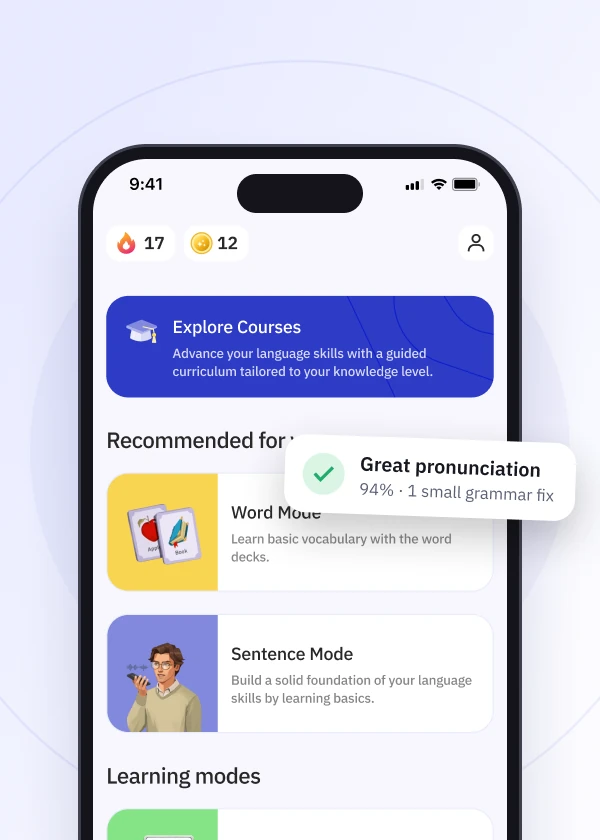
Haptic feedback means the small vibrations you feel when you use the Talkpal mobile app. They make tapping and moving around the app feel more responsive. You’ll feel them when you:

  • tap buttons and move between screens
  • choose a learning mode or a tutor
  • get an answer right or wrong, or finish an exercise
  • earn an achievement

Haptic feedback is only available in the iOS and Android apps, not on the web.


How to turn haptic feedback on or off:

  • Open the Talkpal app.
  • Go to Profile → Settings → Haptics.
  • Switch the toggle on or off.

A short confirmation appears once your change is saved.

Not feeling any vibrations?

  • Make sure the setting is turned on in Talkpal.
  • Check that vibrations are allowed on your phone. On iPhone, go to Settings → Sounds & Haptics → System Haptics. On Android, look under Settings → Sound & vibration (the exact name can vary by phone).
  • If the setting is on but you still don’t feel vibrations, close Talkpal completely and open it again.
Download talkpal app

Learn anywhere anytime

Talkpal is an AI-powered language tutor available on web and mobile platforms. Accelerate your language fluency, chat about interesting topics by writing or speaking, and receive realistic voice messages wherever and whenever you want.
Talkpal app The fun and effective way to learn a language with AI

Scan with your device to download on iOS or Android

Talkpal app The fun and effective way to learn a language with AI

Get in touch with us

We are always here if you have any questions or require assistance. Contact our customer support anytime at support@talkpal.ai

Languages

Learning

Partnerships

Company


Talkpal, Inc., 2810 N Church St, PMB 54222, Wilmington, Delaware 19802, US

© 2026 All Rights Reserved.

GDPR compliant

Trustpilot