How do I use Characters? - Talkpal
Help Center

How do I use Characters?

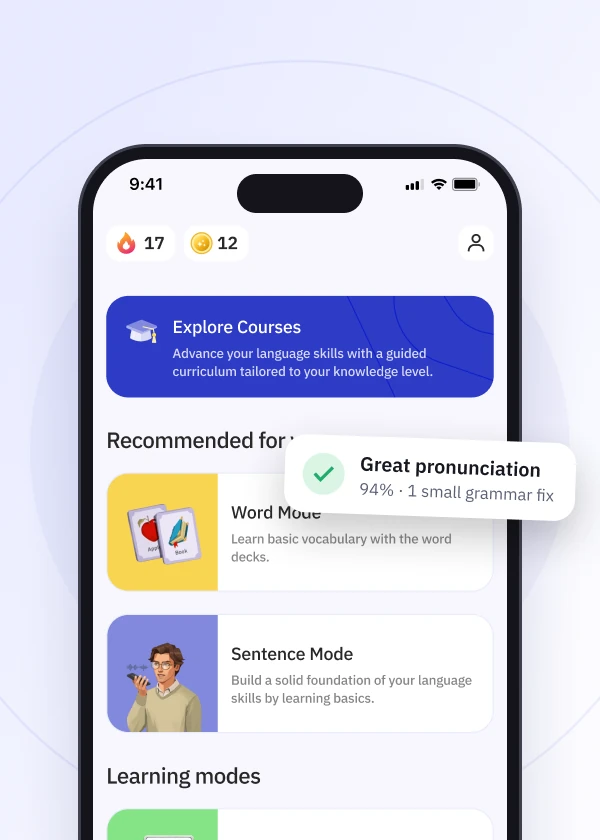
In Characters, you can practice your reading and writing skills by engaging in dynamic conversations with famous historical or fictional characters. This mode provides a unique way to practice your language skills in interactive scenarios.


Characters settings:

  • Mute option: You can use the mute button to silence the audio when needed.
  • Suggestion bar: Get helpful prompts to guide your responses.
  • Automatic microphone: Your spoken input is automatically sent for a hands-free experience.
  • Adjustable voice speed: Tailor the speed of the character’s speech to your comfort level. You can also adjust your language settings and view chat history in Character Mode.
Download talkpal app

Learn anywhere anytime

Talkpal is an AI-powered language tutor available on web and mobile platforms. Accelerate your language fluency, chat about interesting topics by writing or speaking, and receive realistic voice messages wherever and whenever you want.
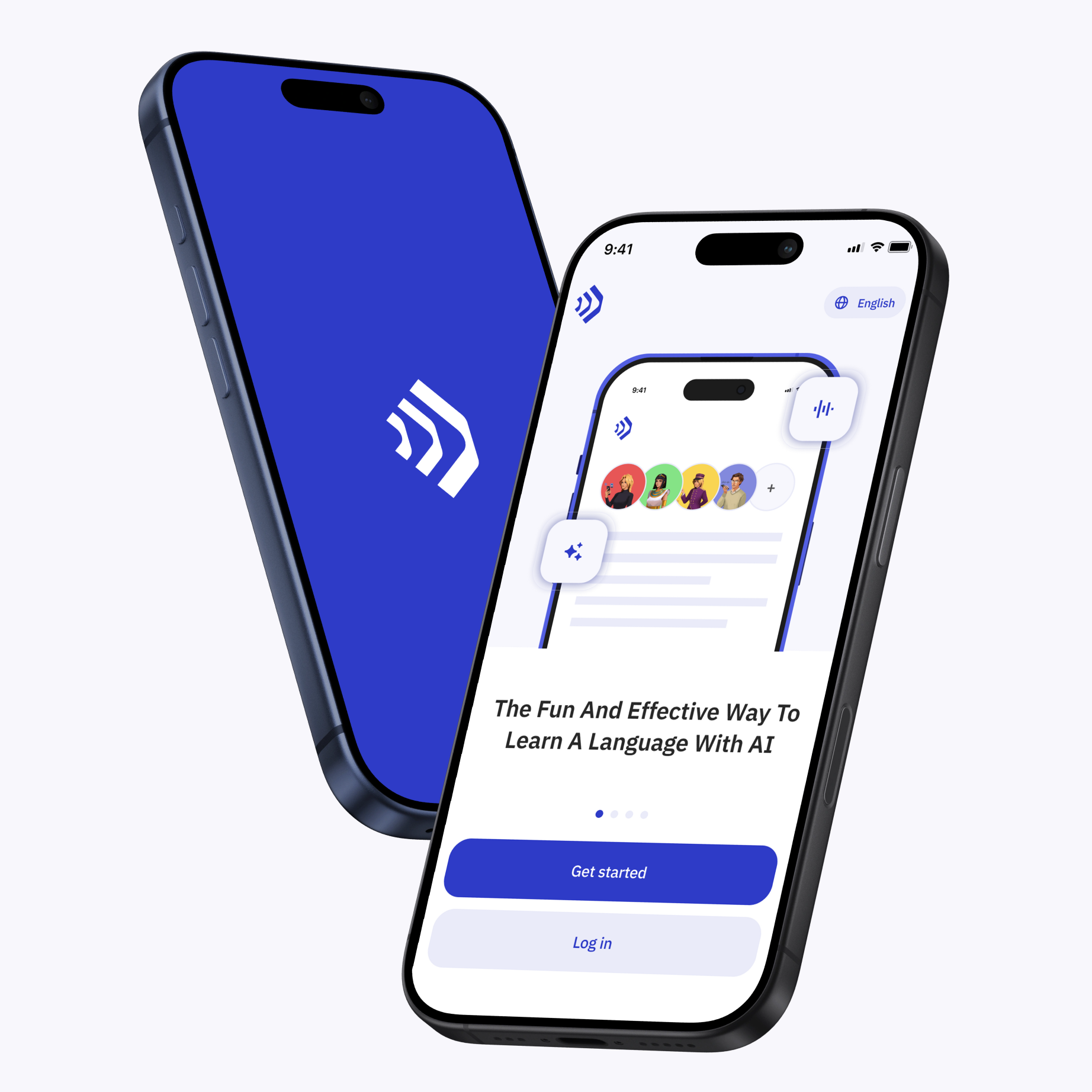
Talkpal app The fun and effective way to learn a language with AI

Scan with your device to download on iOS or Android

Talkpal app The fun and effective way to learn a language with AI

Get in touch with us

We are always here if you have any questions or require assistance. Contact our customer support anytime at support@talkpal.ai

Languages

Learning

Partnerships

Company


Talkpal, Inc., 2810 N Church St, PMB 54222, Wilmington, Delaware 19802, US

© 2026 All Rights Reserved.

GDPR compliant

Trustpilot