How do I fix issues with audio playback? - Talkpal
Help Center

How do I fix issues with audio playback?

Issues with audio playback in the Talkpal app can usually be resolved by troubleshooting a few common areas, depending on whether you are using a mobile device (iOS/Android) or a web browser.

Here is a step-by-step guide to help resolve the issue:

Check app settings

  • In-app mute settings: Ensure you have not muted the sound within the Talkpal app itself. Check the speaker icon in the exercise header; navigate to your Profile Settings inside the app and verify that the audio/sound settings are enabled.

Check device settings

  • Media volume: Ensure your device’s media volume is turned up. Sometimes call volume or alarm volume is high, but media volume is muted.
  • Bluetooth connections: Check if your device is connected to a Bluetooth speaker, headphones, or car audio system that might be playing the sound elsewhere. Try turning off Bluetooth temporarily to see if the audio plays through the device’s built-in speakers.

Troubleshoot the Mobile App (iOS & Android)

  • Restart the app: Force close the Talkpal app completely and reopen it.
  • Update the app: Open the App Store (iOS) or Google Play Store (Android), search for “Talkpal,” and check if an update is available.
  • clear cache (android only): Go to your device’s Settings > Apps > Talkpal > Storage and tap clear cache. (Do not clear data unless you are prepared to log back in).
  • Reinstall the app: Uninstall the Talkpal app, restart your device, and reinstall it from the app store.

Troubleshoot the web version (desktop or mobile browser)

If you are using Talkpal via a web browser:

  • Unmute the Tab: Right-click the browser tab running Talkpal and ensure it is not muted.
  • Check browser permissions: Look at the address bar (usually near the lock icon) to ensure the site has permission to play sound and access your microphone.
  • Disable extensions: Some ad-blockers or privacy extensions can interfere with audio scripts. Try disabling extensions or opening Talkpal in an Incognito/Private window to see if the audio works.
  • Clear browser cache: Clear your browser’s cache and cookies, then restart the browser.
  • Try a different browser: If you are using Safari, try Chrome or Firefox (or vice versa) to determine if the issue is browser-specific.

System-wide checks

  • Restart your device: A simple restart can resolve temporary audio driver conflicts on both mobile devices and computers.
  • Operating system update: Ensure your phone or computer’s operating system is updated to the latest version.

If the issue persists, try restarting the app or checking your device’s audio settings. For further assistance, please contact the support team via app or directly at support@talkpal.ai.

Download talkpal app

Learn anywhere anytime

Talkpal is an AI-powered language tutor available on web and mobile platforms. Accelerate your language fluency, chat about interesting topics by writing or speaking, and receive realistic voice messages wherever and whenever you want.
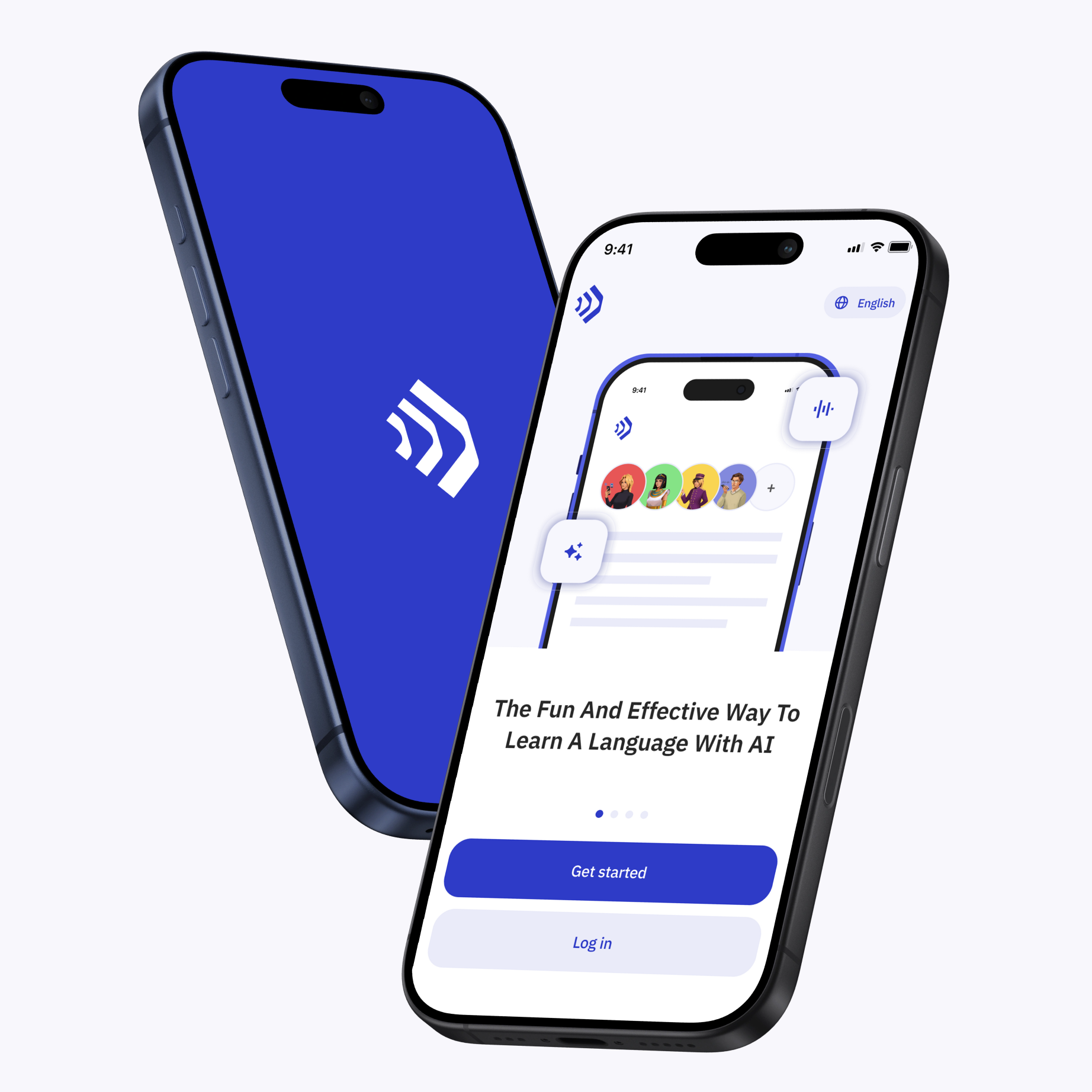
Talkpal app The fun and effective way to learn a language with AI

Scan with your device to download on iOS or Android

Talkpal app The fun and effective way to learn a language with AI

Get in touch with us

We are always here if you have any questions or require assistance. Contact our customer support anytime at support@talkpal.ai

Languages

Learning

Partnerships

Company


Talkpal, Inc., 2810 N Church St, PMB 54222, Wilmington, Delaware 19802, US

© 2026 All Rights Reserved.

GDPR compliant

Trustpilot