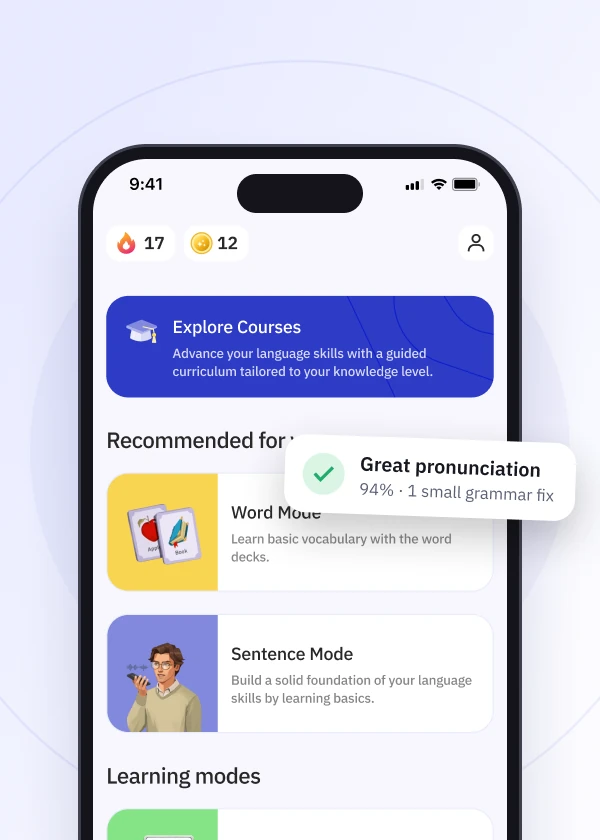
Talkpal offers various conversational modes designed to help improve your speaking, reading, writing, and articulation skills through interactive AI-guided practice.
To start a conversation, simply follow these steps:
Text-based practice
Chat: An interactive feature designed to help you practice your reading and writing skills through one-on-one text conversations with an AI language tutor. It allows you to discuss a variety of everyday topics, receives immediate feedback on your spelling and grammar to help you make corrections, and automatically saves your conversation history so you can review past lessons and track your progress at your own pace.
Speaking and listening practice
Call Mode: A speaking-focused feature designed to simulate real-life phone conversations with an AI language tutor. It helps you practice your speaking, pronunciation, and listening comprehension in a natural conversational flow. This mode includes several customizable settings to support your practice, such as adjusting the AI’s speaking speed, enabling a hands-free automatic microphone, and setting specific recording response times to better manage the pace of your conversation.
Immersive scenario practice
Roleplays: Allows you to practice your language skills by engaging in different scenarios, ranging from everyday situations, like ordering at a coffee shop, to creative and imaginative settings. To help support your learning and keep the dialogue moving, the mode offers several customizable options, including a suggestion bar for vocabulary prompts, phonetic romanization for non-Latin scripts, adjustable speaking speed, and a hands-free automatic microphone.
Creative practice
Characters: Helps you to practice your language skills by conversing with simulated historical and fictional figures. To help guide your conversations and match your learning pace, the mode includes several useful settings, such as a suggestion bar for response prompts, adjustable voice speed, an audio mute button, a hands-free automatic microphone, and access to your past chat history.
Vocabulary and debate practice
Debates: Debates Mode is a feature designed to help you practice your vocabulary and articulation by arguing for or against various topics, ranging from current events to philosophical questions. To assist you in constructing your arguments and managing your practice, the mode includes customizable settings such as a suggestion bar for content prompts, adjustable AI voice speeds, and a hands-free automatic microphone.
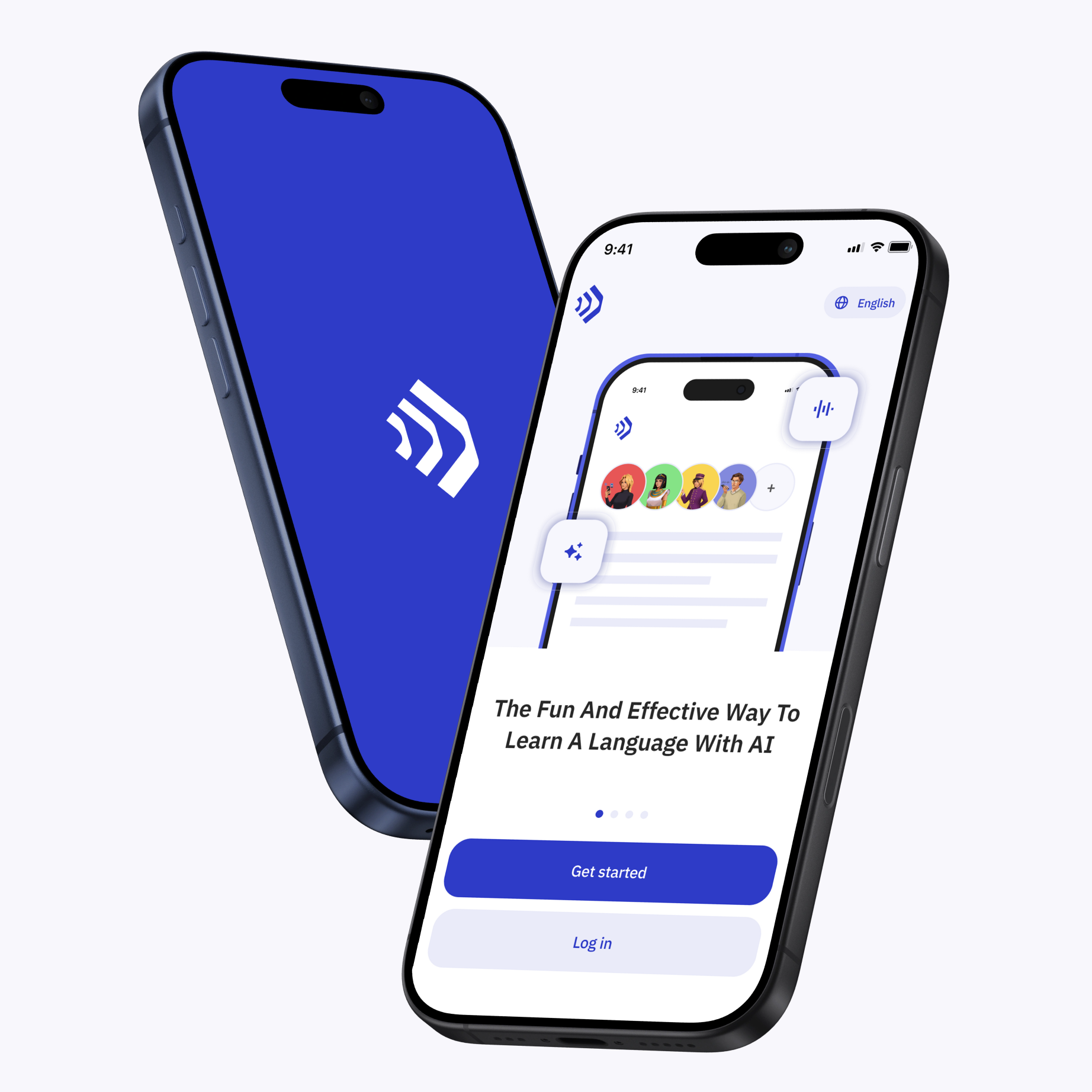
Talkpal is an AI-powered language tutor available on web and mobile platforms. Accelerate your language fluency, chat about interesting topics by writing or speaking, and receive realistic voice messages wherever and whenever you want.


Talkpal, Inc., 2810 N Church St, PMB 54222, Wilmington, Delaware 19802, US
Talkpal turns AI into your personal language coach.
 Immersive, realistic conversations
Instant feedback on pronunciation and grammar
Personalized learning
 130+ languages ·
★ 4.7
rating