Come faccio a cancellare il mio account? - Talkpal
00 Days D
16 Hours H
59 Minutes M
59 Seconds S
Talkpal logo

Learn languages faster with AI

Learn 5x faster!

Learn Languages faster with AI
Flag of England Flag of Spain Flag of France Flag of Germany Flag of Italy
+ 79 Languages
Help Center

Come faccio a cancellare il mio account?

Come eliminare il tuo account Talkpal tramite un browser web

1. Vai all’applicazione web e accedi al tuo account.

2. Vai alla pagina “Account”.

3. Clicca su “Profilo”.

4. Trova l’opzione “Elimina account”.

5. Clicca su “Elimina”.

Come eliminare il tuo account Talkpal su dispositivi iOS e Android

1. Apri l’applicazione Talkpal.

2. Vai su “Account” in alto a destra dello schermo.

3. Clicca su “Profilo”.

4. Trova l’opzione “Elimina account”.

5. Clicca su “Elimina”.

Note importanti:

Cancellazione dei dati: Una volta cancellato il tuo account, tutti i tuoi dati, compresi i progressi e la cronologia delle chat, saranno cancellati in modo permanente e non potranno essere recuperati.

Cancellazione degli abbonamenti: Assicurati di cancellare tutti gli abbonamenti attivi prima di cancellare il tuo account per evitare addebiti futuri.

Se dovessi riscontrare dei problemi, puoi contattare [email protected] per ricevere ulteriore assistenza.

Download talkpal app

Learn anywhere anytime

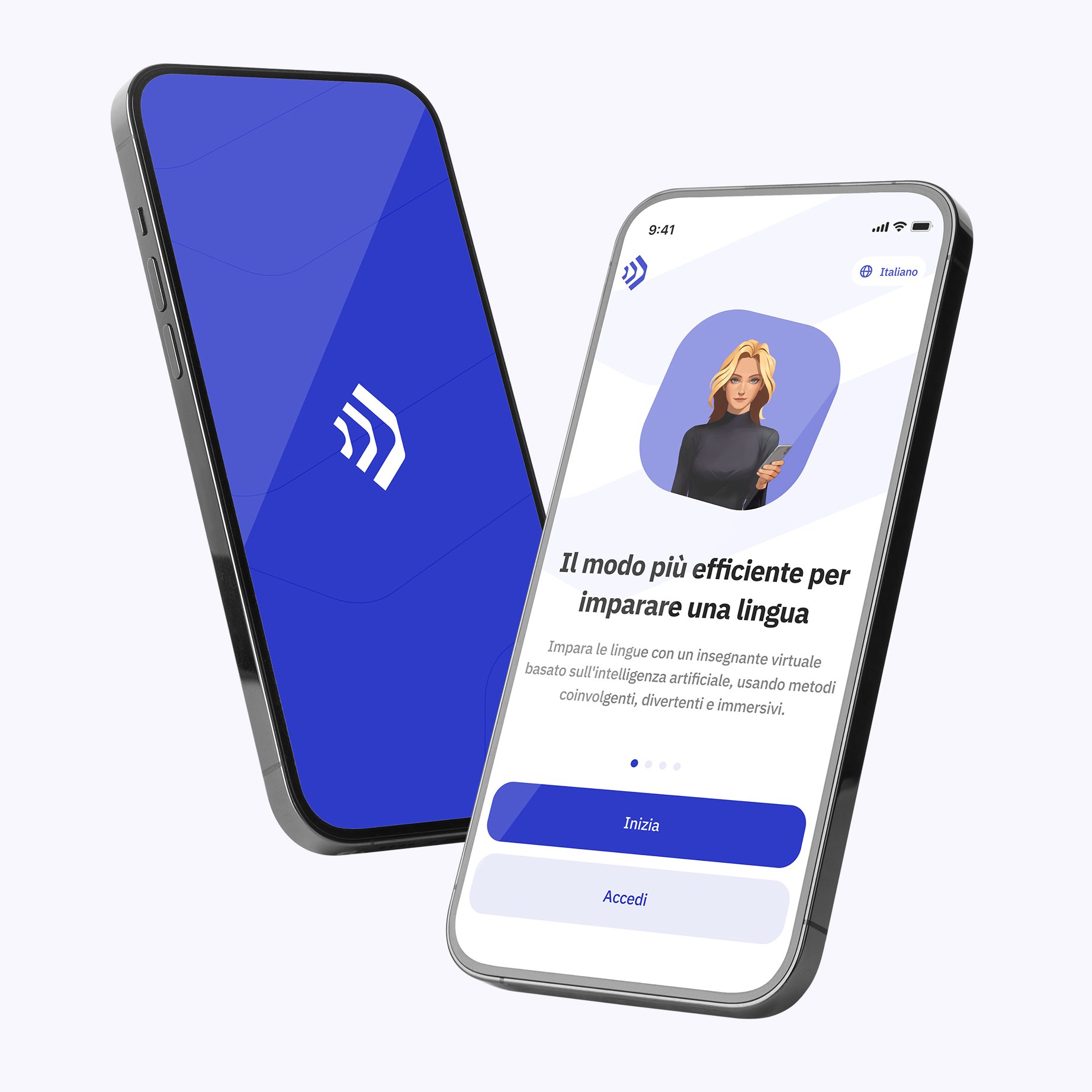
Talkpal is an AI-powered language tutor. It’s the most efficient way to learn a language. Chat about an unlimited amount of interesting topics either by writing or speaking while receiving messages with realistic voice.

Learning section image (it)
QR Code

Scan with your device to download on iOS or Android

Learning section image (it)

Get in touch with us

Talkpal is a GPT-powered AI language teacher. Boost your speaking, listening, writing, and pronunciation skills – Learn 5x Faster!

Languages

Learning


Talkpal, Inc., 2810 N Church St, Wilmington, Delaware 19802, US

© 2026 All Rights Reserved.


Trustpilot