ฉันจะรีเซ็ตรหัสผ่านของฉันได้อย่างไร? - Talkpal
00 Days D
16 Hours H
59 Minutes M
59 Seconds S
Talkpal logo

Learn languages faster with AI

Learn 5x faster!

Learn Languages faster with AI
Flag of England Flag of Spain Flag of France Flag of Germany Flag of Italy
+ 79 Languages
Help Center

ฉันจะรีเซ็ตรหัสผ่านของฉันได้อย่างไร?

ต่อไปนี้คือขั้นตอนการรีเซ็ตรหัสผ่านของคุณบน Talkpal ผ่านเว็บเบราว์เซอร์ แอป iOS และ Android:

การรีเซ็ตรหัสผ่านของคุณผ่าน เว็บเบราว์เซอร์

1. เข้าไปที่ Talkpal.ai

2. คลิก “ลืมรหัสผ่าน?”

3. ป้อนที่อยู่อีเมลที่คุณใช้ลงทะเบียนบัญชี Talkpal แล้วคลิก “ส่งคำแนะนำ”

4. ตรวจสอบอีเมลสำหรับรีเซ็ต mật khẩu จาก Talkpal ในกล่องจดหมายของคุณ ถ้าไม่พบอีเมล โปรดตรวจสอบโฟลเดอร์สแปมหรือจดหมายขยะของคุณ

5. เปิดอีเมล คลิก “ตั้งรหัสผ่านใหม่” และทำตามคำแนะนำเพื่อสร้างรหัสผ่านใหม่

6. หากยังไม่พบอีเมลยืนยันในโฟลเดอร์สแปม โปรดติดต่อทีมสนับสนุนของเราได้ที่ [email protected]

การรีเซ็ตรหัสผ่านของคุณบน แอป iOS หรือ Android

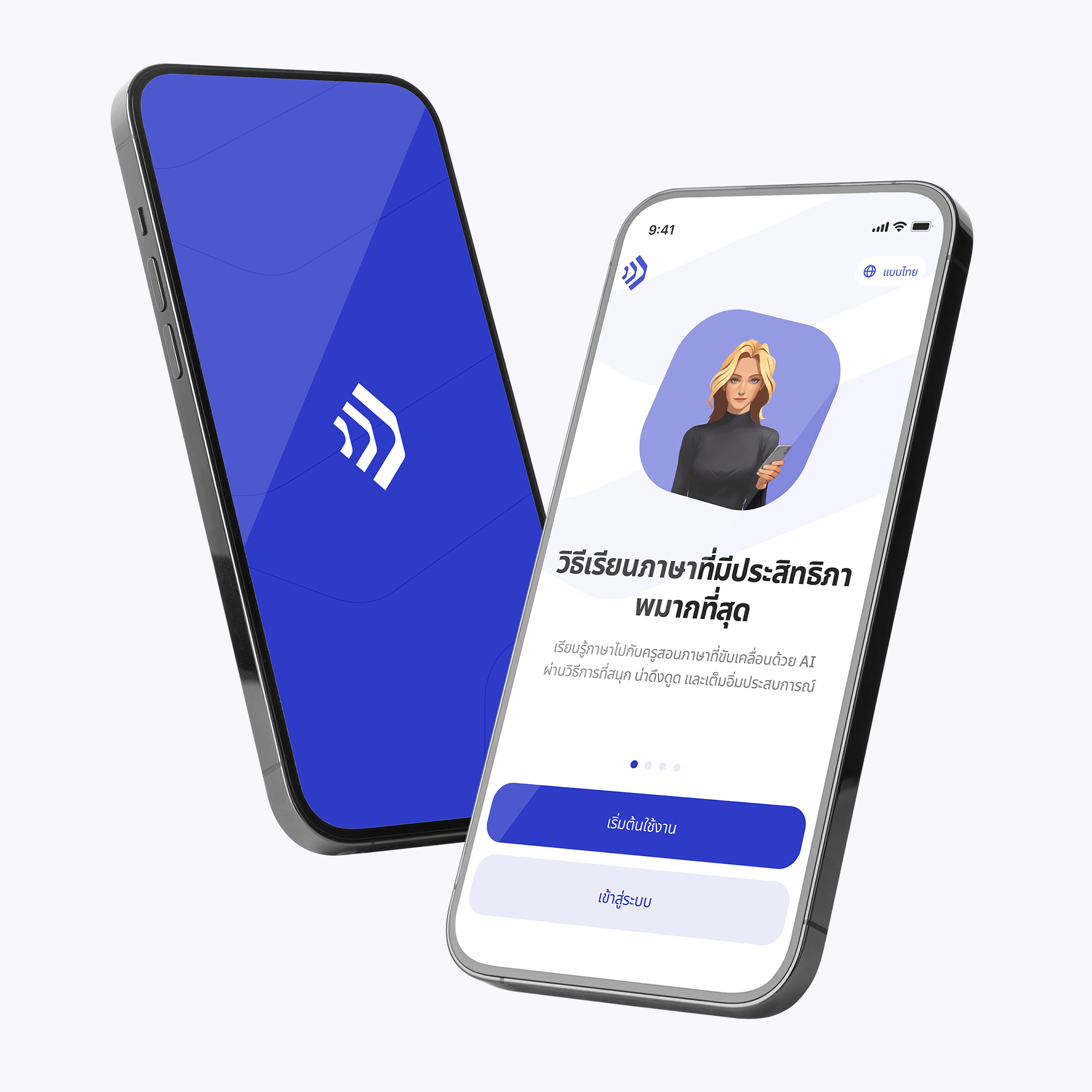
1. เปิดแอปพลิเคชัน Talkpal

2. บนหน้าจอเข้าสู่ระบบ ให้แตะปุ่ม “เข้าสู่ระบบ”

3. ใต้ช่องใส่รหัสผ่าน ให้แตะตัวเลือก “ลืมรหัสผ่าน?”

4. ป้อนที่อยู่อีเมลที่คุณใช้ลงทะเบียนบัญชี Talkpal แล้วคลิก “ส่งคำแนะนำ”

5. ตรวจสอบอีเมลสำหรับรีเซ็ต mật khẩu จาก Talkpal ในกล่องจดหมายของคุณ ถ้าไม่พบอีเมล โปรดตรวจสอบโฟลเดอร์สแปมหรือจดหมายขยะของคุณ

6. เปิดอีเมล คลิก “ตั้งรหัสผ่านใหม่” และทำตามคำแนะนำเพื่อสร้างรหัสผ่านใหม่

Download talkpal app

Learn anywhere anytime

Talkpal is an AI-powered language tutor. It’s the most efficient way to learn a language. Chat about an unlimited amount of interesting topics either by writing or speaking while receiving messages with realistic voice.

Learning section image (th)
QR Code

Scan with your device to download on iOS or Android

Learning section image (th)

Get in touch with us

Talkpal is a GPT-powered AI language teacher. Boost your speaking, listening, writing, and pronunciation skills – Learn 5x Faster!

Languages

Learning


Talkpal, Inc., 2810 N Church St, Wilmington, Delaware 19802, US

© 2026 All Rights Reserved.


Trustpilot