Kaip pakeisti el. pašto adresą? - Talkpal
00 Days D
16 Hours H
59 Minutes M
59 Seconds S
Talkpal logo

Learn languages faster with AI

Learn 5x faster!

Learn Languages faster with AI
Flag of England Flag of Spain Flag of France Flag of Germany Flag of Italy
+ 79 Languages
Help Center

Kaip pakeisti el. pašto adresą?

Norėdami pakeisti el. pašto adresą „Talkpal” paskyroje, atlikite šiuos veiksmus:

1. Apsilankykite „Talkpal” svetainėje arba atidarykite „Talkpal” programėlę.

2. Eikite į „Paskyra” ir spustelėkite „Profilis”, esantį skiltyje „Paskyros nustatymai”.

3. Spustelėkite „Asmeniniai duomenys”, įveskite naują el. pašto adresą ir išsaugokite pakeitimus.

4. Patikrinkite savo pašto dėžutę arba nepageidaujamų laiškų/nepageidaujamų laiškų aplankus ir patvirtinkite savo naująjį el. pašto adresą spustelėdami „Patvirtinti el. paštą”.

Jei kyla problemų, galite kreiptis į palaikymo tarnybą adresu [email protected] ir paprašyti pagalbos.

Download talkpal app

Learn anywhere anytime

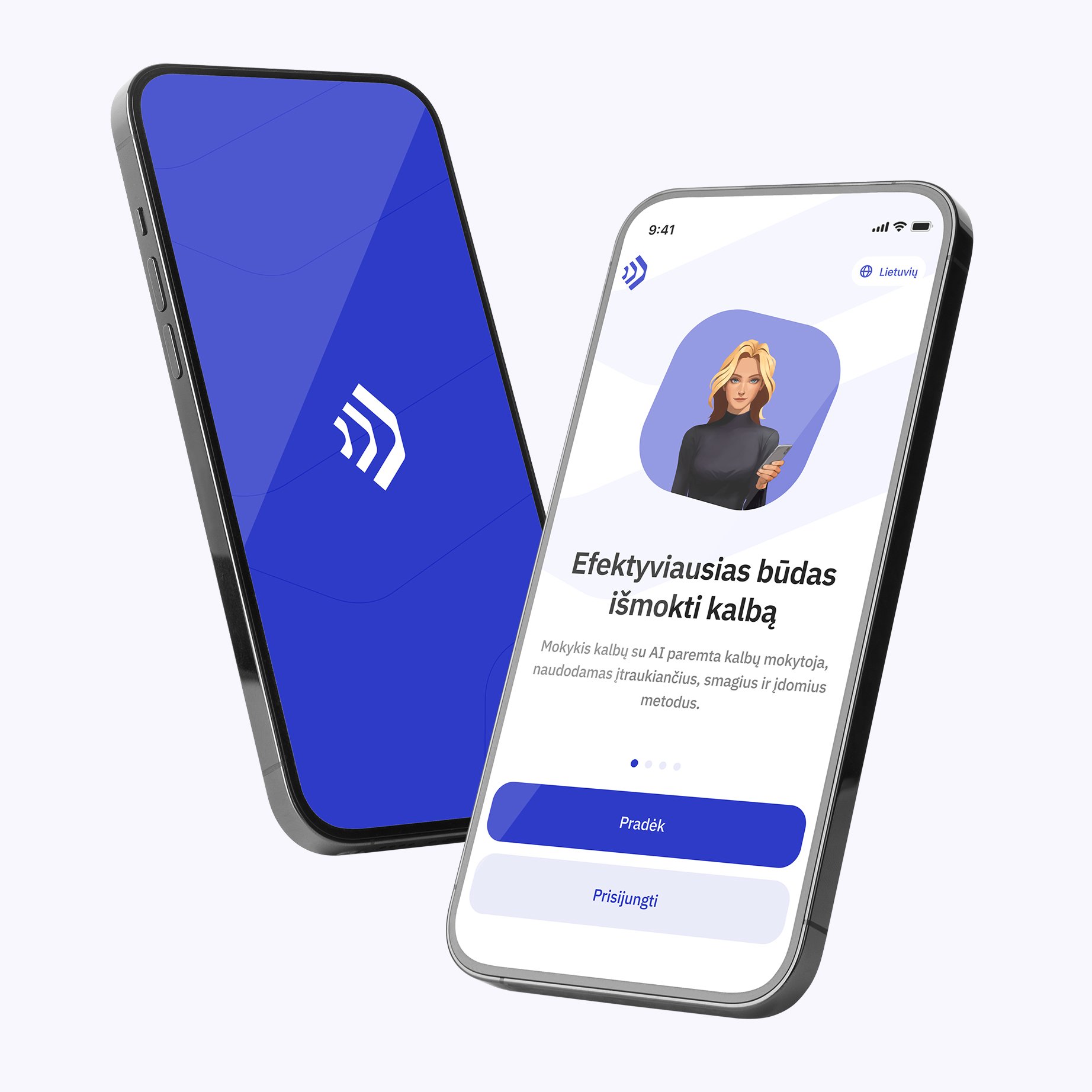
Talkpal is an AI-powered language tutor. It’s the most efficient way to learn a language. Chat about an unlimited amount of interesting topics either by writing or speaking while receiving messages with realistic voice.

Learning section image (lt)
QR Code

Scan with your device to download on iOS or Android

Learning section image (lt)

Get in touch with us

Talkpal is a GPT-powered AI language teacher. Boost your speaking, listening, writing, and pronunciation skills – Learn 5x Faster!

Languages

Learning


Talkpal, Inc., 2810 N Church St, Wilmington, Delaware 19802, US

© 2026 All Rights Reserved.


Trustpilot